Using Aligno
Custom branding
The share link is where your client meets your work, so it can carry your brand instead of ours.
What you can change
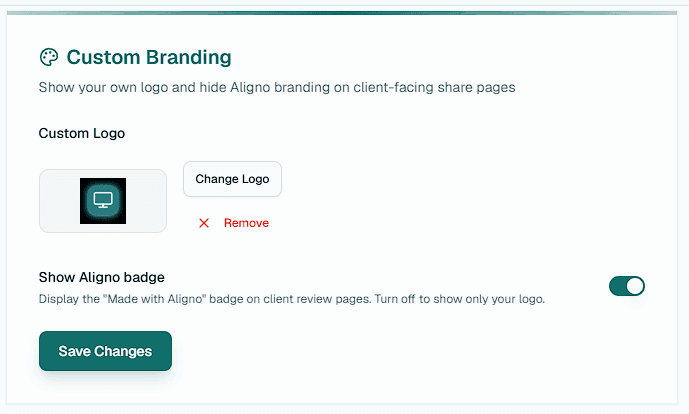
On a paid plan you can upload your own logo and hide the "Powered by Aligno" badge. Both apply to client-facing review pages and the emails clients receive, so reviewers see your studio rather than Aligno.
Setting it up
Open your account settings and find the branding section. Upload a logo, then choose whether to show or hide the Aligno badge. Changes take effect on your share pages right away.
Logo format
Logos are raster images (PNG, JPG, or WebP) up to 512 KB. SVG files are not accepted.
Who controls branding
Branding is set by the account owner and applies across the whole team. On the free plan the Aligno badge always shows and custom logos are not applied.